Hello 3D StudioFree credits

Free Image to 3D: Turn one photo into a textured 3D model

Upload one picture and get a textured 3D model you can rotate, download and export. 20 credits with v3.0, 30 with textured v3.1. New accounts get free credits to try it.

Illustrative showcase · real user results below
Input
JPG, PNG, WebP · up to 20 MB
Export formats
GLB, STL, 3MF, FBX, OBJ, USDZ
Studio engines
Hello 3D, Hunyuan 3.6, Tripo & more
Pricing
Free credits · from 20 cr

Image to 3D in short

Upload one photo, product shot, pet picture, character drawing or concept render, and Hello 3D builds a 3D model with geometry and texture, including the sides and back the picture doesn't show. Rotate it in your browser, then download GLB for free or export STL, 3MF, FBX, OBJ or USDZ for 3D printing, games or AR.

Popular uses

Pet figurines, bobbleheads and Bambu Lab prints

Three things people most often make from a single photo—and what to check before you hit generate or slice.

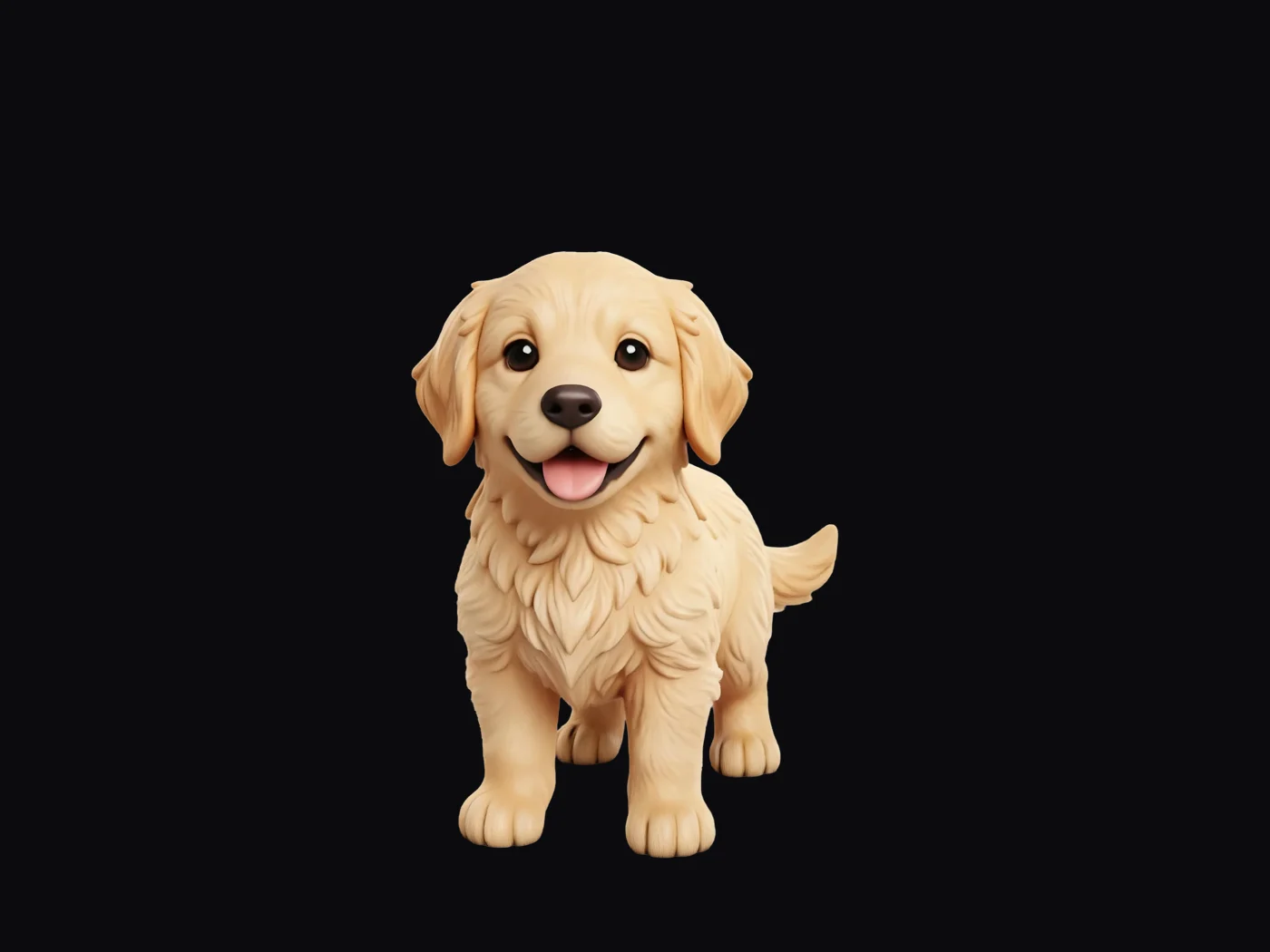
Illustrative sculpted 3D golden retriever puppy figurine on a dark studio background
01Pet keepsakes

Pet photo to 3D figurine

Upload a photo of your dog, cat or other pet and get a textured 3D model you can print as a desk figurine or keep as a 3D keepsake.

Use a full-body shot from the side or a three-quarter angle, with the paws and tail in frame. Fur becomes a sculpted surface, not individual hairs.

STL3MFGLB
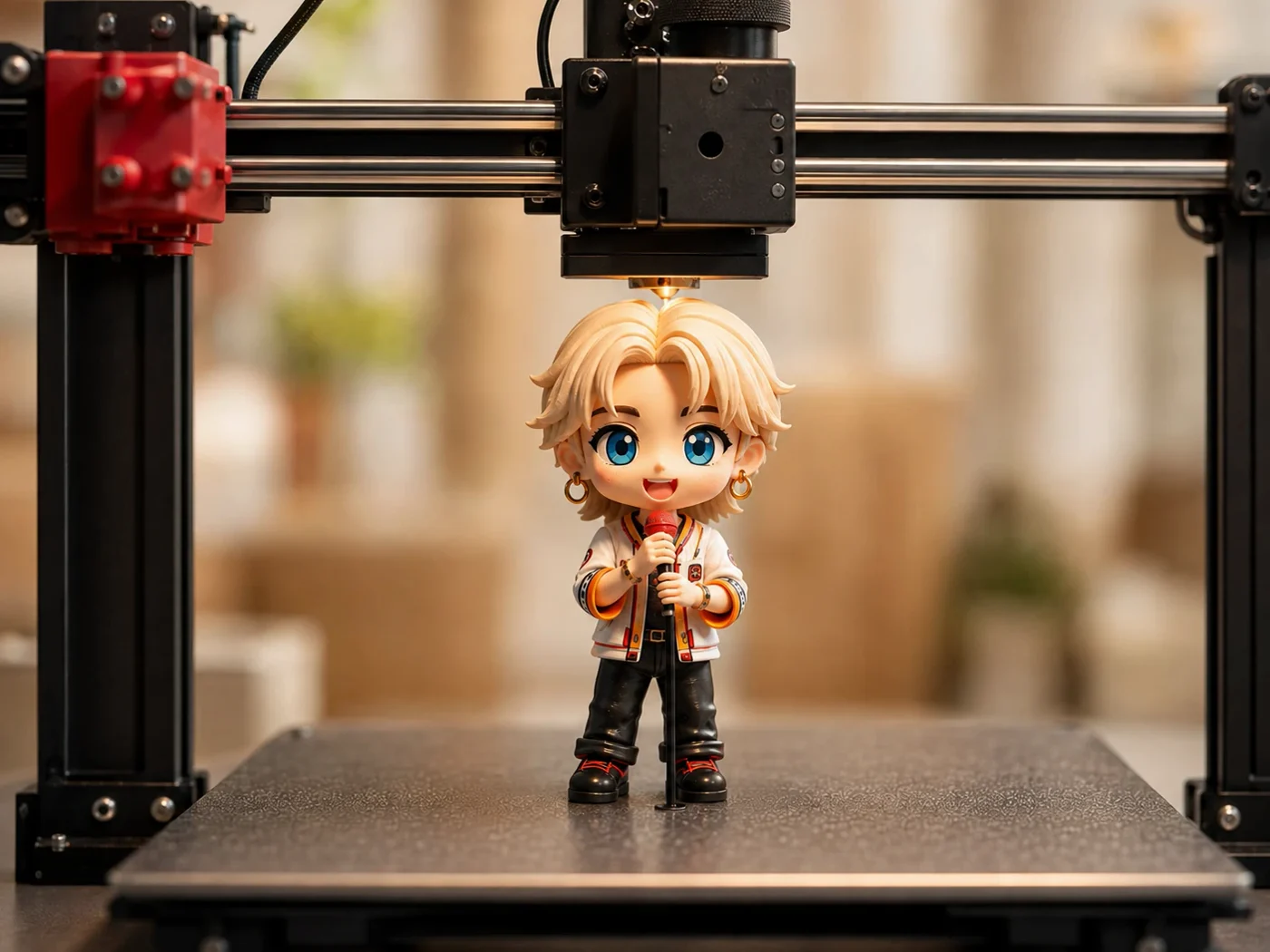
Illustrative 3D-printed stylised chibi character figurine standing on a 3D printer build plate
02Custom figurines

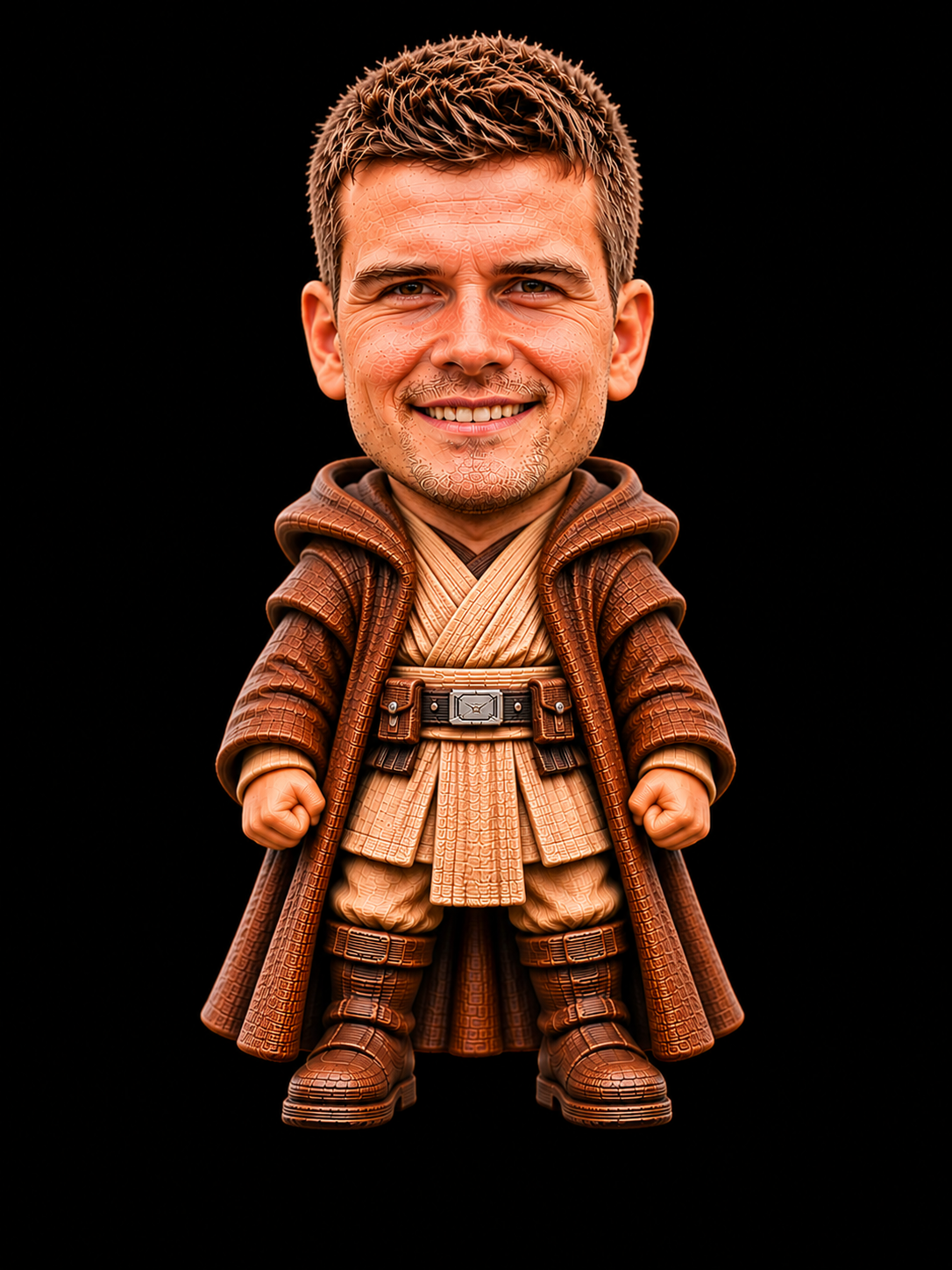
Photo of a person to figurine or bobblehead

Turn a full-body photo of yourself, a friend or a character into a stylised figure, then export it to print as a desk figurine or bobblehead.

The result is a stylised likeness, not a face scan. Only upload photos you have the right to use: generated models are currently labelled public.

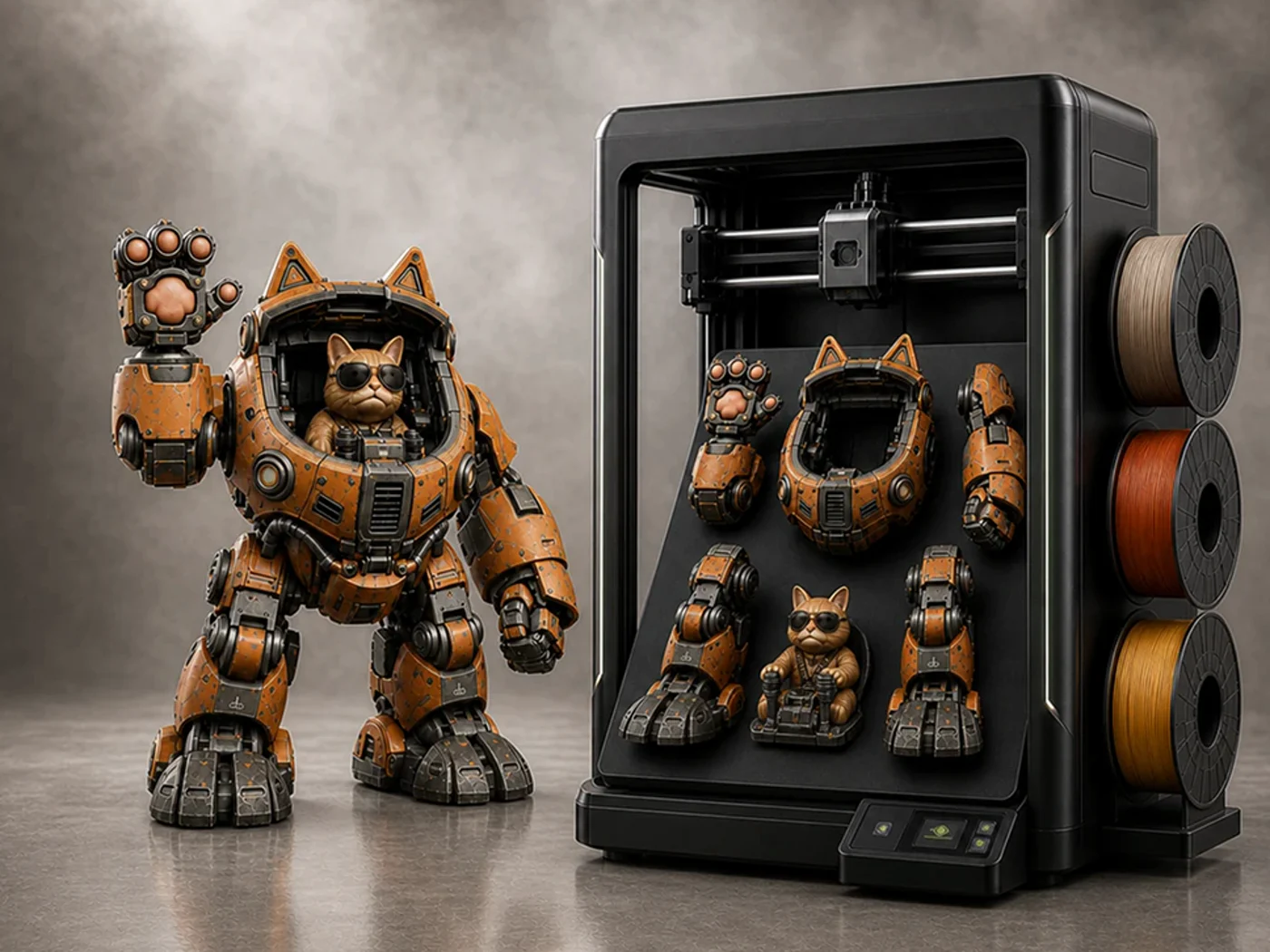
Illustrative 3D-printed mech figurine beside an enclosed CoreXY 3D printer with filament spools3MF / STL ready
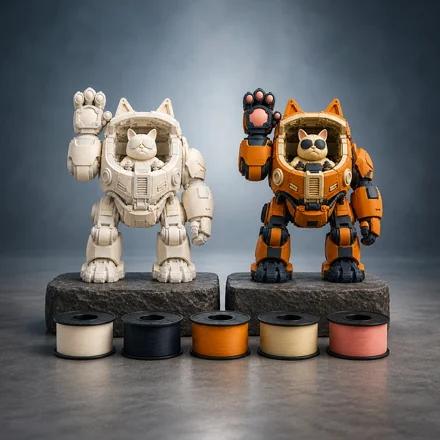
Illustrative comparison of unpainted and multi-color 3D-printed figurines with filament spoolsMulti-color
03Slicer & printing

Print it on a Bambu Lab printer

Export 3MF or STL and open it in Bambu Studio (or OrcaSlicer, PrusaSlicer and Cura). Set the size you want, add supports for overhangs and slice.

Check the base is flat and thin parts are thick enough to print. If the slicer reports mesh errors, let it repair the model before slicing.

3MFSTL
1 photo
Single JPG, PNG or WebP up to 20 MB
Free GLB
Every model downloads as GLB at no extra cost
3MF & STL
Ready for Bambu Studio, OrcaSlicer & Cura
No subscription
One-time credit packs that never expire

Real image to 3D results

The uploaded image next to the 3D model it became

Six models people generated from a single image in Hello 3D and shared to the gallery. Click a model to rotate the GLB, switch to wireframe or clay, and check the back the image never showed.

Toys & CollectiblesSingle Image to 3D
30 credits
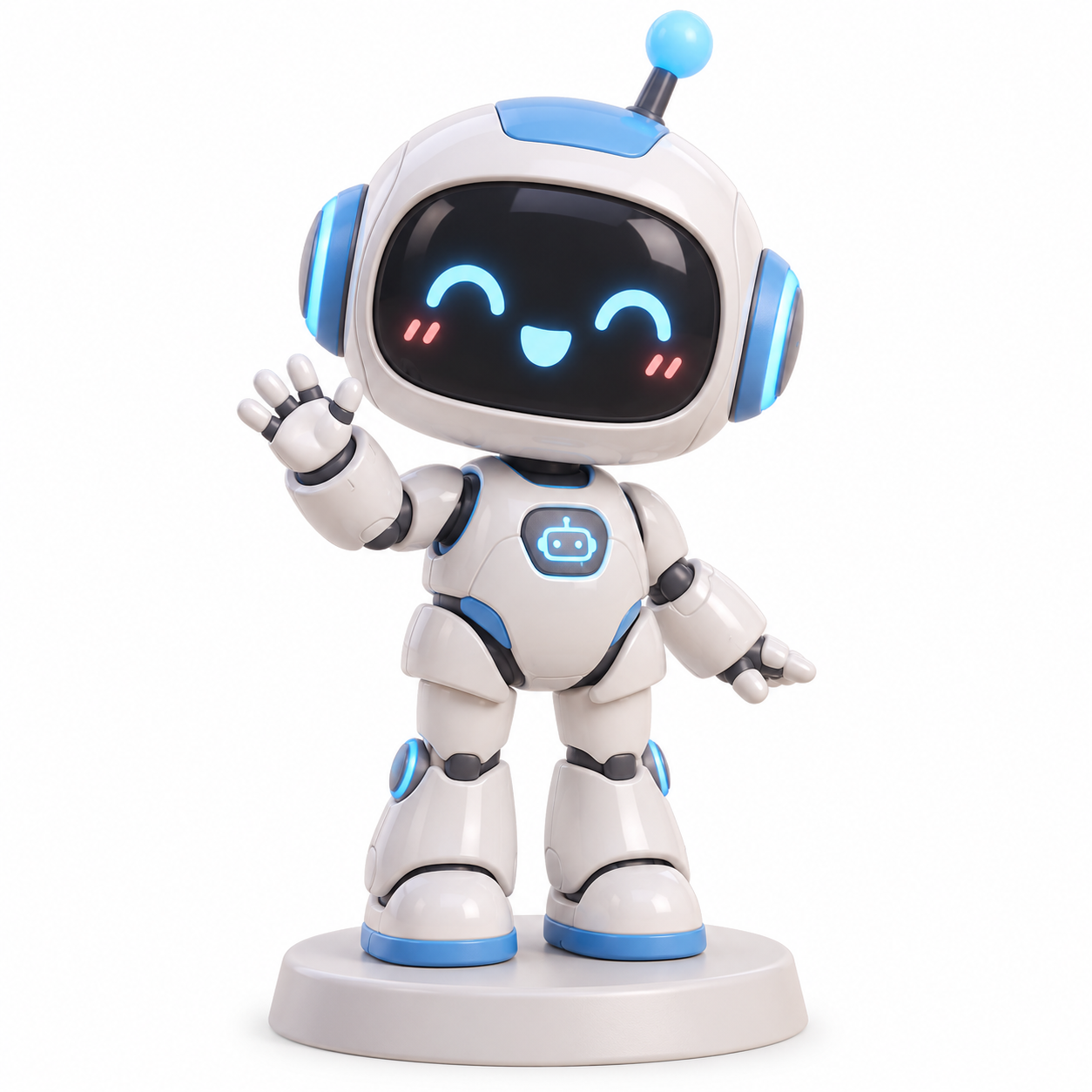
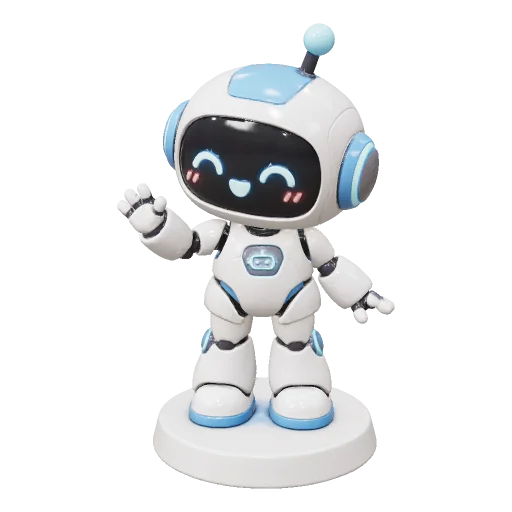
Input PhotoSmiling Robot Mascot - Input Photo

Smiling Robot Mascot

A glossy white-and-cyan toy robot mascot generated from a single front concept render.

Inspect how the curved visor, antenna, and rounded limbs keep clean symmetry and de-lit PBR reflections.

Toys & CollectiblesSingle Image to 3D
30 credits
Input PhotoRobed Hero Bobblehead - Input Photo

Robed Hero Bobblehead

A collectible chibi figurine on a circular base, converted from one character illustration.

Switch to Clay or Wireframe mode to see the solid figurine base and cloak folds suitable for 3D printing.

CharactersSingle Image to 3D
30 credits
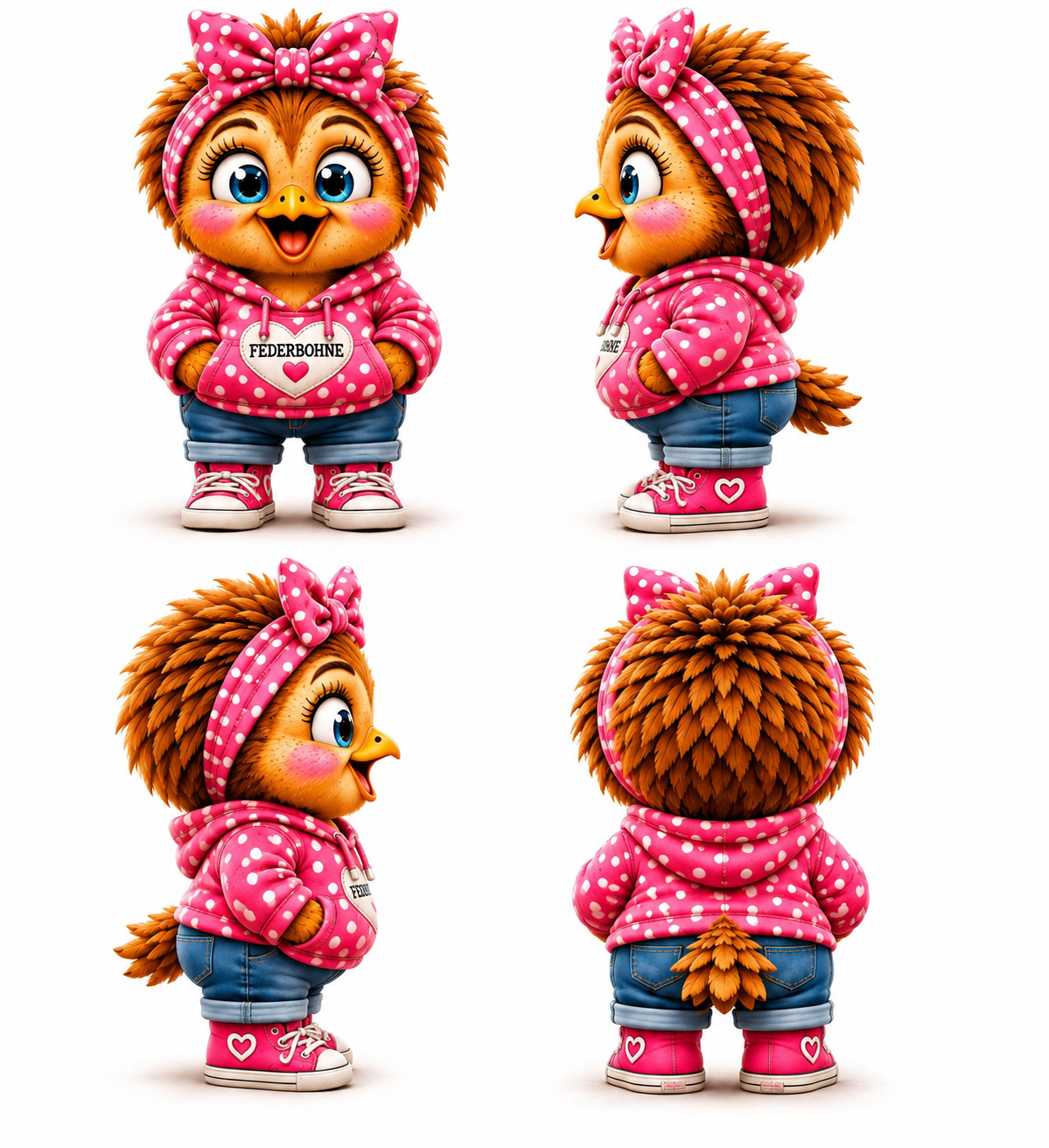
Input PhotoHedgehog Girl in Pink Hoodie - Input Photo

Hedgehog Girl in Pink Hoodie

Stylized character with layered quills, oversized hoodie folds, and sneaker details from one image.

Rotate to the back to see how the hood, quills, and shoe soles are reconstructed behind the reference view.

CharactersSingle Image to 3D
30 credits
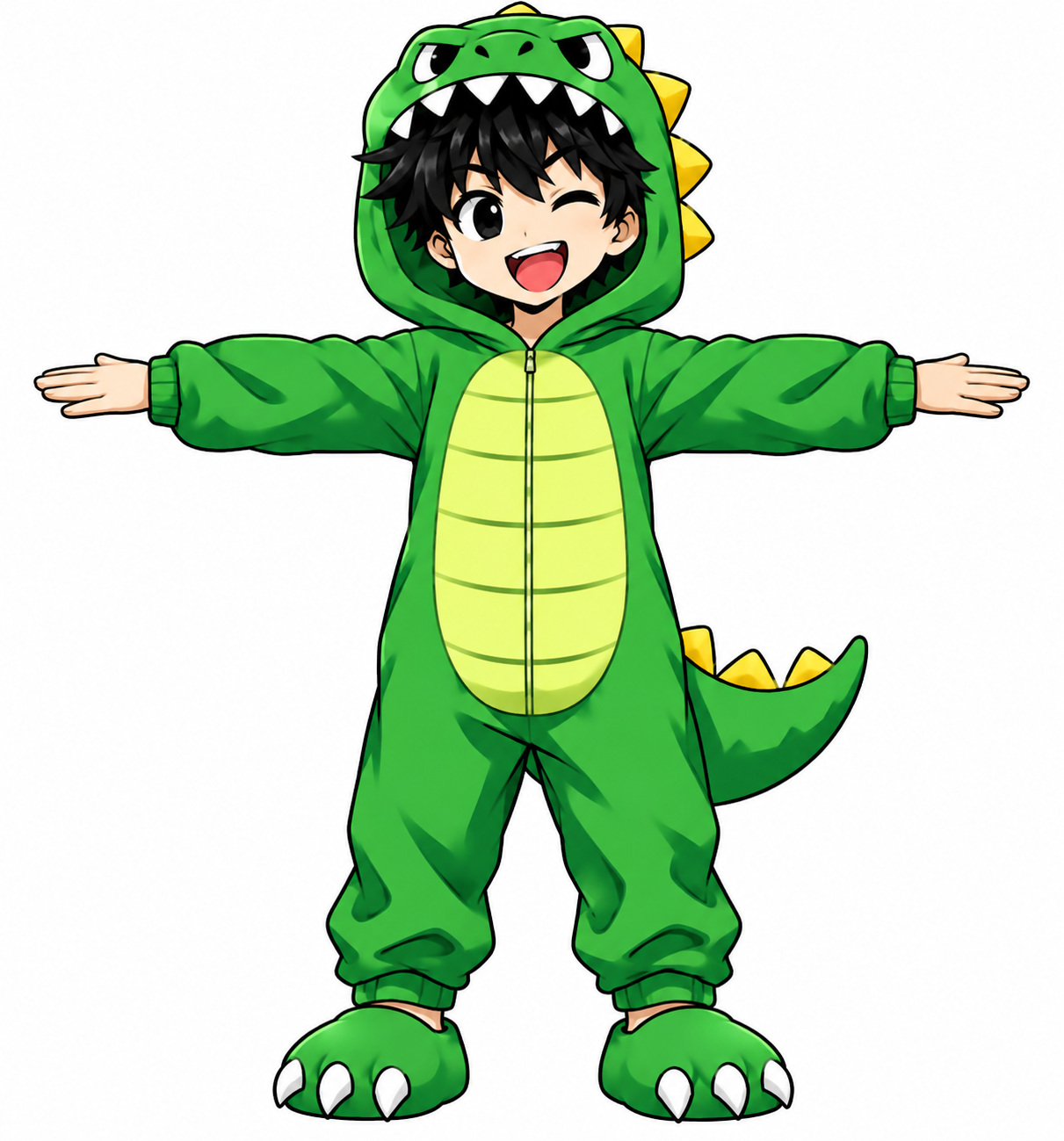
Input PhotoBoy in Dinosaur Onesie - Input Photo

Boy in Dinosaur Onesie

Full-body stylized character wearing a stitched green dinosaur costume hood.

Check the facial proportions and hood teeth silhouette preserved from the 2D character art.

Products & VehiclesSingle Image to 3D
30 credits
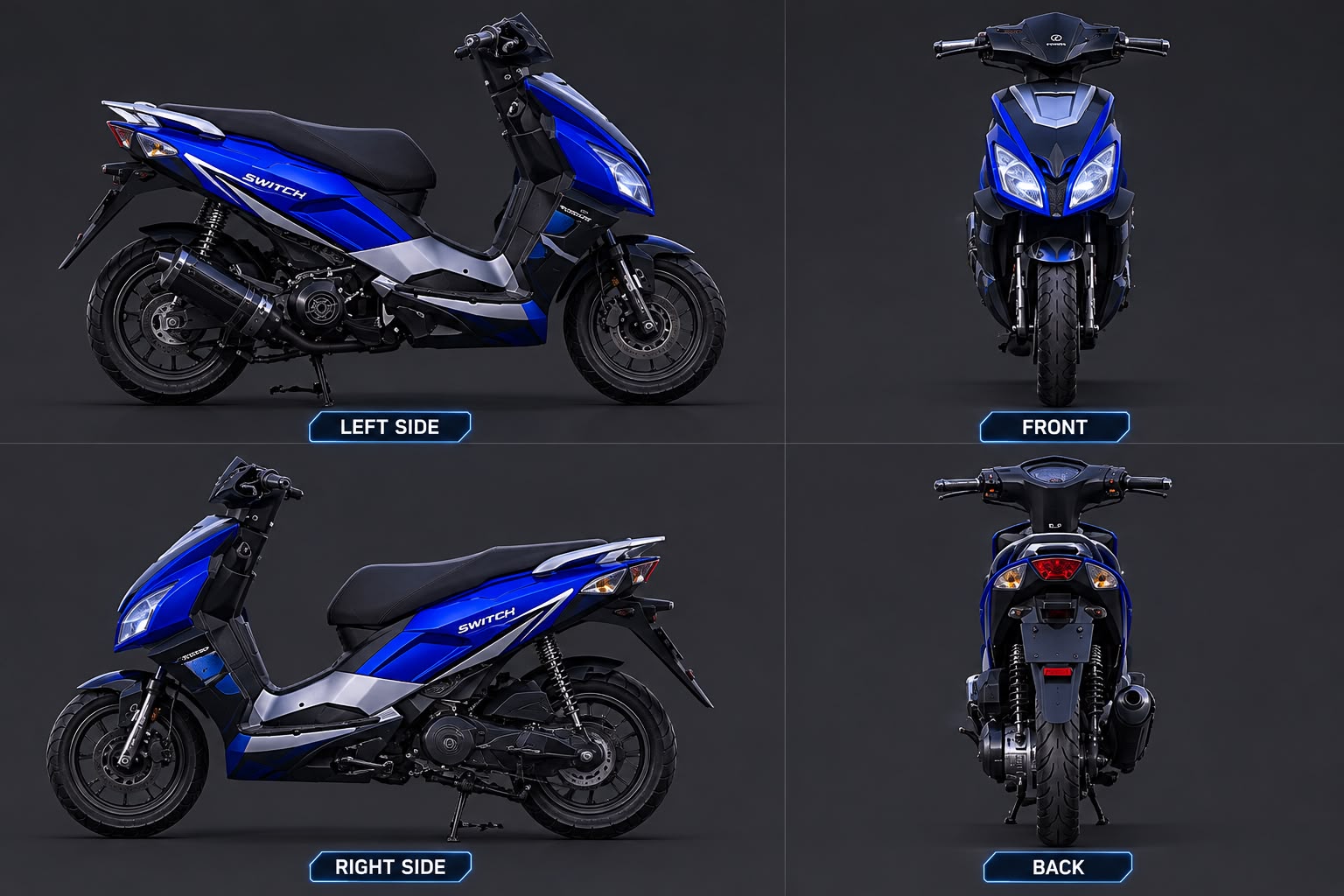
Input PhotoRetro Blue Motor Scooter - Input Photo

Retro Blue Motor Scooter

Product and vehicle asset generated from one image holding four product views: left, front, right and back.

Inspect handlebars, mirrors, seat contour, and wheel arches in Wireframe mode.

3D Printing & PropsSingle Image to 3D
70 credits
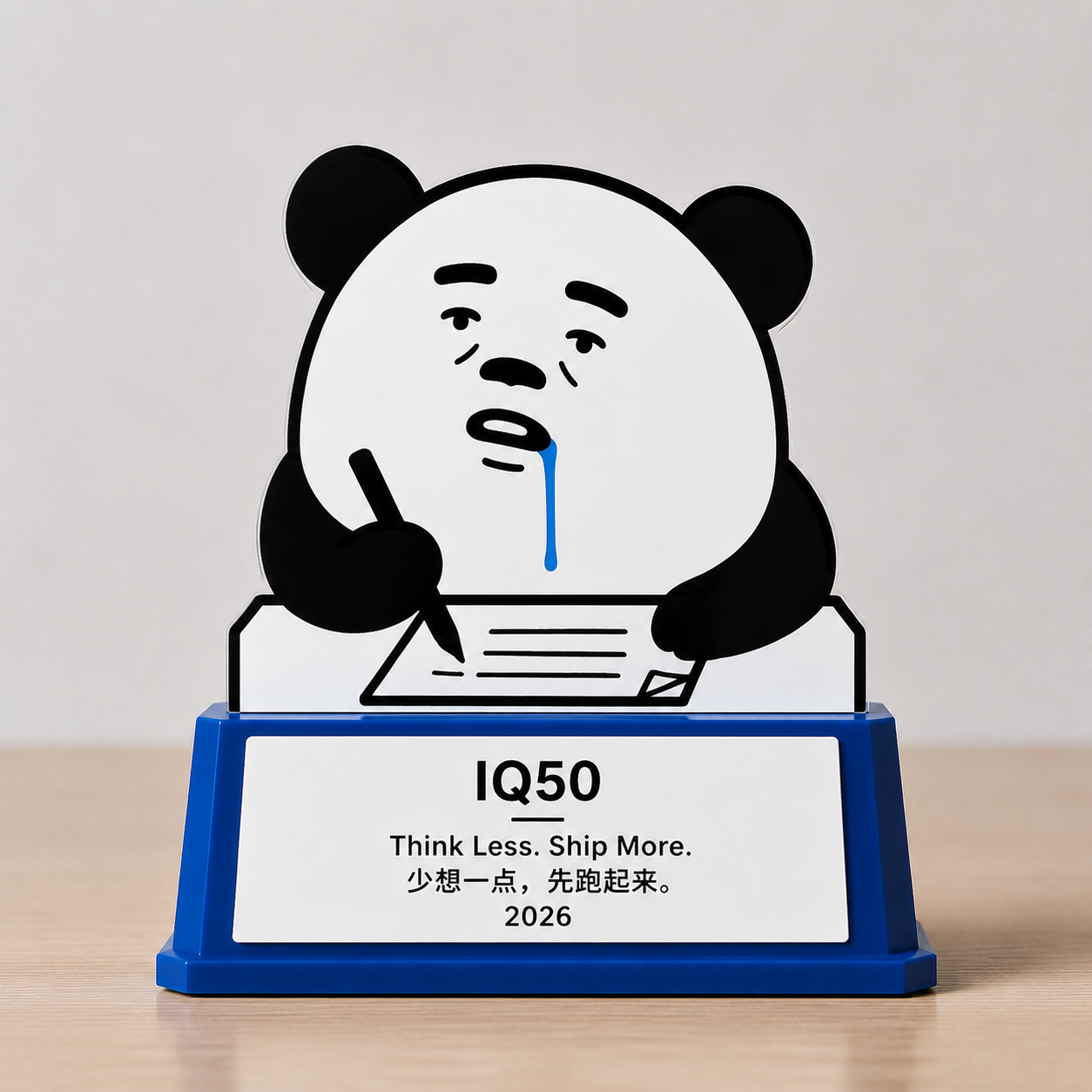
Input PhotoPanda Meme Desk Trophy - Input Photo

Panda Meme Desk Trophy

High-detail sculptural bust on a pedestal base, ideal for resin or FDM 3D printing.

Generated with high-detail geometry (70 credits) for crisp facial expression and pedestal edges.

What you can make

Figurines, multi-color prints, miniatures and collectibles

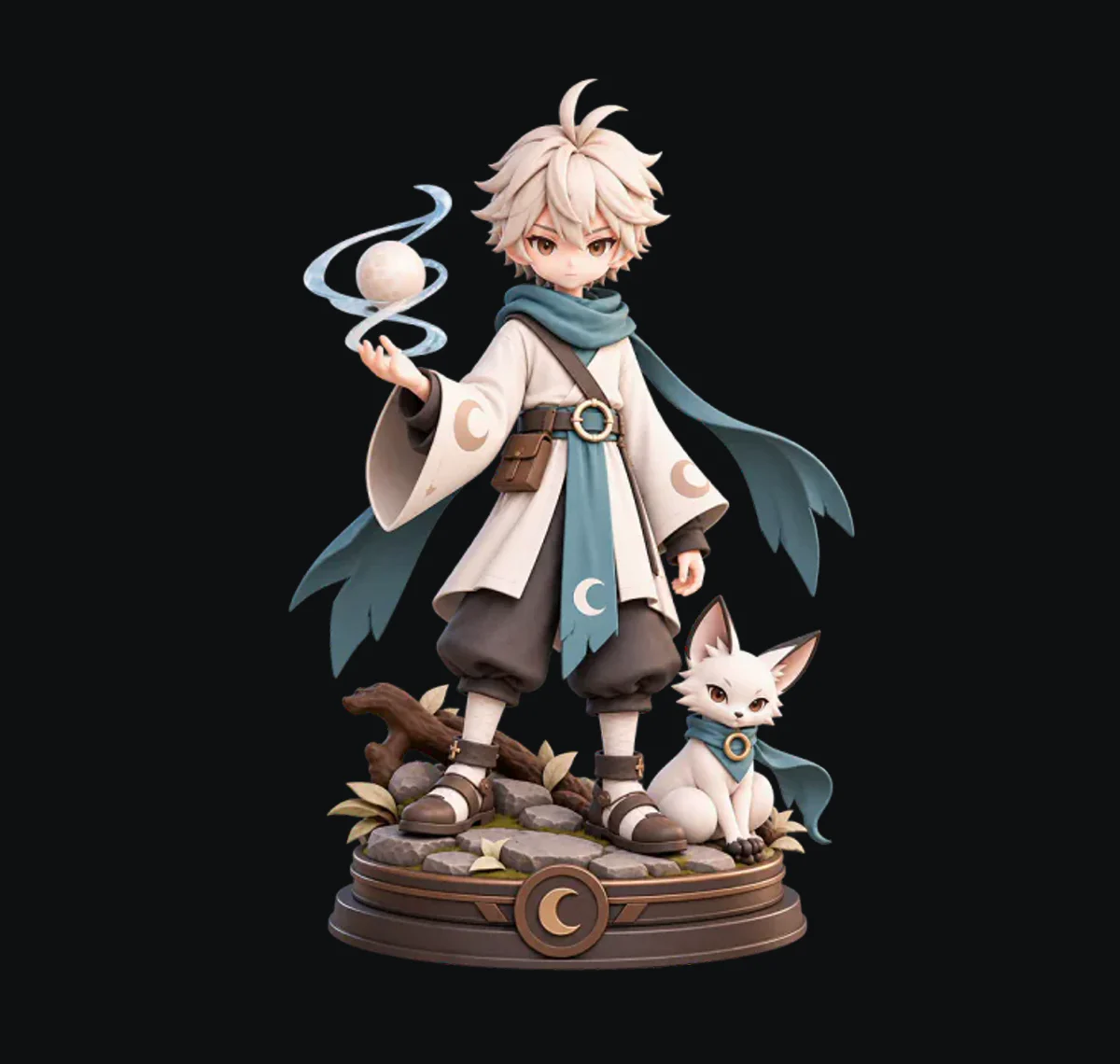
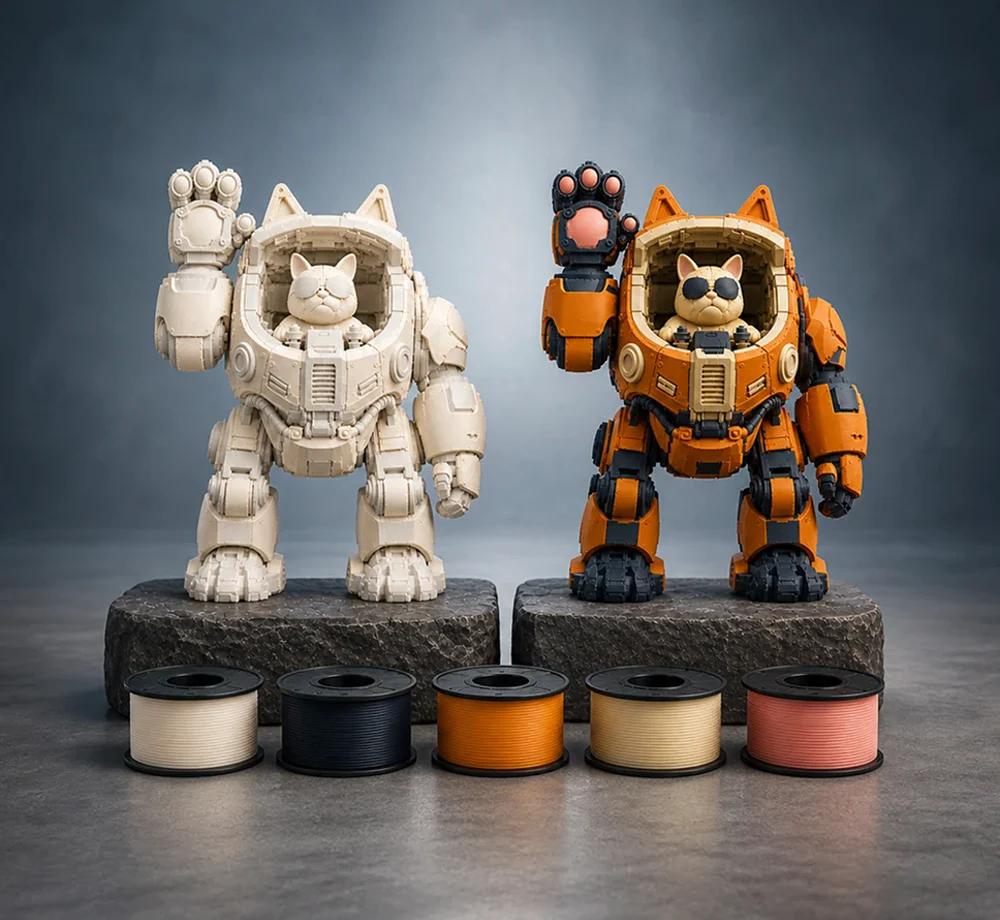
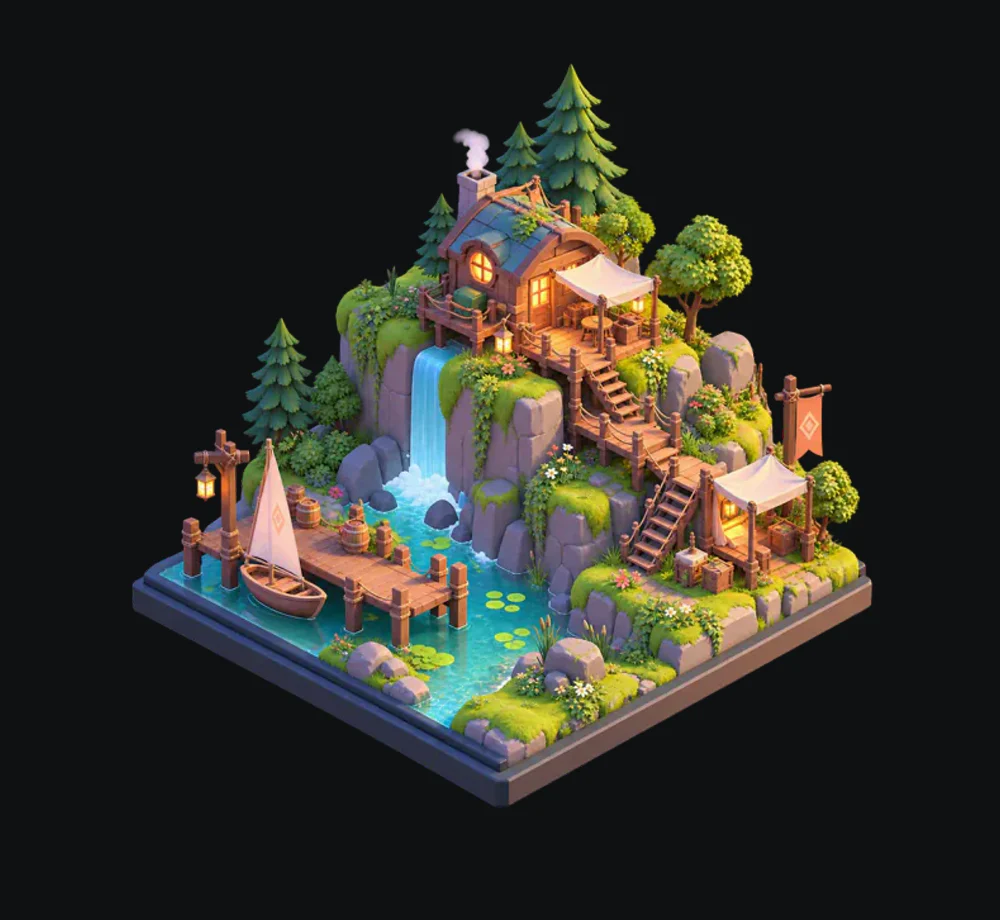
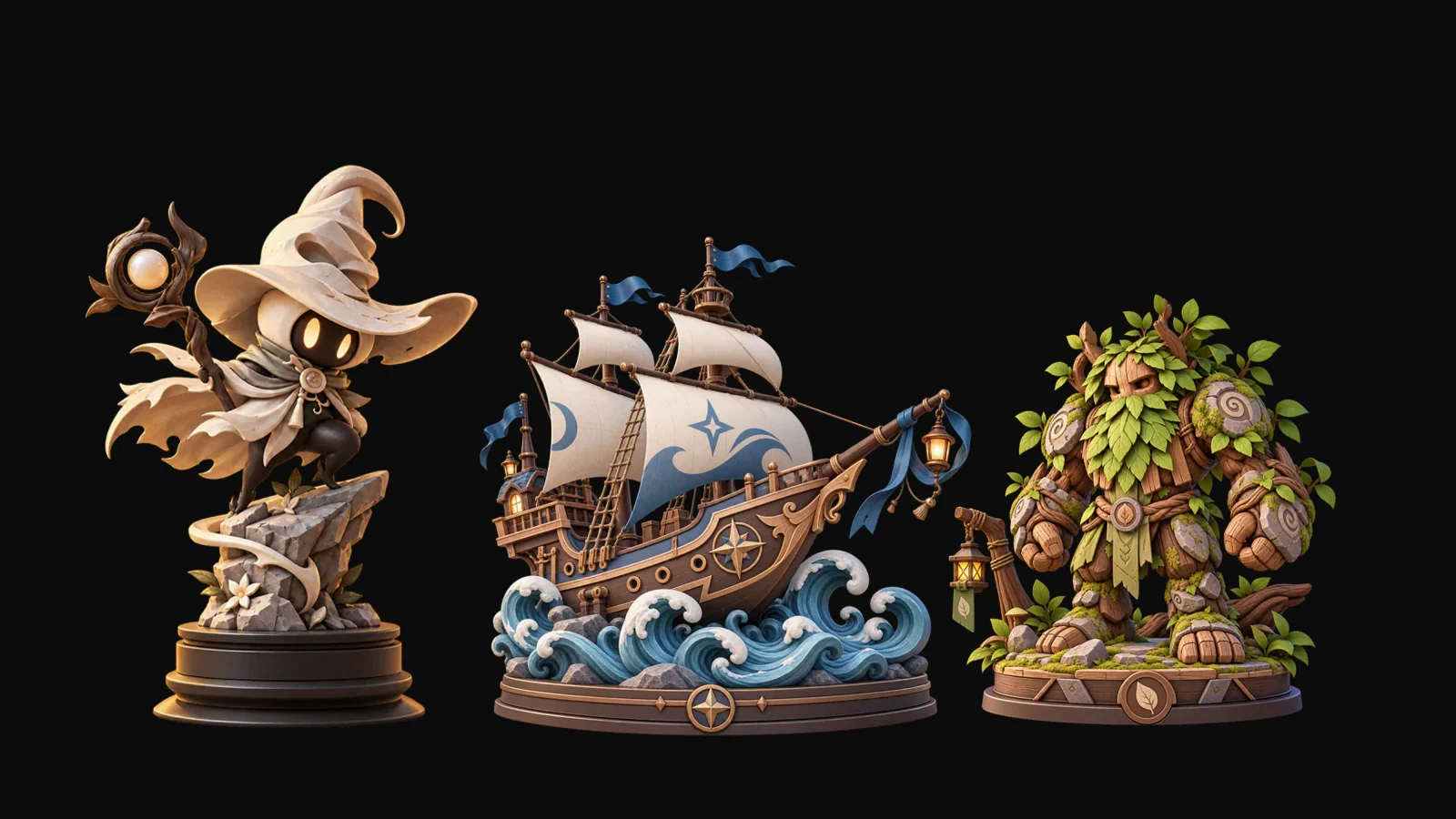
Illustrative 3D showcase renders spanning character figurines, filament prints, tabletop dioramas and display sculptures.

Stylised character & companion figurines on display bases
Unpainted resin/PLA vs multi-color filament prints
Isometric miniature scenes and tabletop dioramas
Fantasy characters, detailed ships and sculpted desk collectibles

Illustrative placeholder renders (Hitem3D showcase). Real single-image Hello 3D user outputs are shown in the interactive gallery above.

How it works

How to turn an image into a 3D model

Four steps in the Hello 3D studio. You need an account to generate; the studio shows the exact credit cost before you start.

  1. 01

    Upload your image

    Open the studio and drop in a JPG, PNG or WebP up to 20 MB.

  2. 02

    Pick a model and settings

    Choose v3.0, v3.1 or other studio models, texture on or off, and optional 4K/8K texture, Ultra geometry or quad topology.

  3. 03

    Generate and inspect

    Start generation, then rotate the result in WebGL to check the back, underside and texture.

  4. 04

    Download or export

    Download GLB for free, or export STL, 3MF, FBX, OBJ, USDZ or GLTF for your next tool.

Upload an image

20 credits with v3.0, 30 with textured v3.1. New accounts get free credits to try it.

Before you upload

What makes a good image for image to 3D

The generator reads shape, outline and surface from your picture. These habits give it the clearest view of the subject.

  • One subject, fully in frame

    Show one object or character, with nothing cropped at the edges. Group shots get merged into one shape.

  • Front or three-quarter view

    A slightly turned view shows depth on two sides. Avoid shots from far above or below.

  • Plain background

    A clean, uncluttered background keeps furniture and shadows out of the model.

  • Soft, even light

    Hard shadows and strong highlights can end up painted into the texture.

  • Sharp and well exposed

    Use the largest clear version you have. The upload limit is 20 MB per image.

  • Nothing covering the subject

    Hands, props or labels in front of the subject get built into the model.

Have front, side and back pictures of the same subject? Use multi-view to 3D instead

Which input fits

One image, several views, a text prompt or a flat relief

Image to 3D is one of four ways to make a model on Hello 3D. Pick the one that matches what you already have.

MethodYou haveYou getCost
Image to 3DYou are hereOne picture of the subjectA full 3D model; the hidden sides are inferred20–30 credits
Multi-view to 3D2 to 4 views: front plus left, back or rightA full 3D model that follows each view20–30 credits
Text to 3DOnly an idea, no pictureA full 3D model from your description10–20 credits
Image to STLA logo, drawing or photo for a flat printA raised relief or lithophane STL, not a full objectFree

What it costs

Credits for an image to 3D model

Prices come from the same table the studio charges with. The studio shows the exact total before you generate.

  • v3.0 textured model

    Studio default

    20credits

  • v3.1 geometry only

    Untextured mesh

    20credits

  • v3.1 textured model

    2K texture with PBR

    30credits

  • v3.1 high detail

    Texture plus Ultra geometry

    50credits

Optional upgrades

  • +10

    4K texture

  • +20

    8K texture

  • +5

    Quad topology

Downloads

  • Included

    GLB download

  • 10 per export

    STL, 3MF, FBX, OBJ, USDZ or GLTF

New accounts get free credits. Credit packs are one-time purchases with no subscription, and purchased credits never expire. See pricing

All engines in one workspace

Switch image to 3D models without juggling subscriptions

Start with Hello 3D v3.0 or v3.1, or switch to Hunyuan 3D 3.6, Tripo, Meshy, Rodin, Hitem3D and Trellis 2 in the same studio.

Default single-image credit prices from the live studio catalog. Become a member to unlock more models.

Where the model goes next

Export the format your next tool opens

  • 3D printing

    Export STL or 3MF for your slicer. Check scale, wall thickness and the base before printing.

    • STL
    • 3MF
  • Games and 3D apps

    Use GLB, FBX or OBJ in Blender, Unity or Unreal as a starting point for props and characters.

    • GLB
    • FBX
    • OBJ
  • AR and product pages

    Export USDZ for AR Quick Look on iPhone and iPad, or GLB for web 3D viewers.

    • USDZ
    • GLB

Is it the right tool?

When image to 3D fits, and when it doesn't

A single picture is the fastest way to a 3D model. Here is where it works well and where another approach is better.

Use it for

  • Turning one product photo, character drawing, toy, figurine or concept render into a textured 3D model
  • Prototyping game props and characters, or getting a first model to refine in Blender
  • Printable figurines and desk pieces exported as STL or 3MF
  • AR previews (USDZ) and web 3D viewers (GLB) for products

Not for

  • Parts that must fit to the millimetre: sizes are approximate, so measure and adjust in CAD after export
  • Subjects whose back must match a real design exactly: one image leaves the back to inference, so use multi-view to 3D with 2 to 4 views
  • Scanning a real object from dozens of photos: that is photogrammetry, and this generator uses one image
  • Flat logos or signs you want as a raised print: the free image to STL tool makes a relief instead
  • Confidential or NDA material: the studio currently labels generated models as public

Questions

Image to 3D FAQ

Inputs, credits, formats and what to expect from a model built from one picture.

How this page is checked

Credit costs are read from the same price table the studio charges with, so they can't drift from what you pay. File types and the 20 MB limit match the studio uploader. The interactive examples are real models from the Hello 3D gallery, shown next to the image they were generated from; hero and gallery showcase visuals are clearly labelled illustrative placeholder renders. Meshy and Tripo facts in the FAQ come from their official pricing pages, as listed in our image to 3D tools comparison.

What changed on this page

  1. First published: real image to 3D examples, photo tips, pet figurine, bobblehead and Bambu Lab printing guidance, studio model catalog, steps, credit costs, input comparison and an FAQ that compares Meshy and Tripo.