

Single image
Back and sides are inferred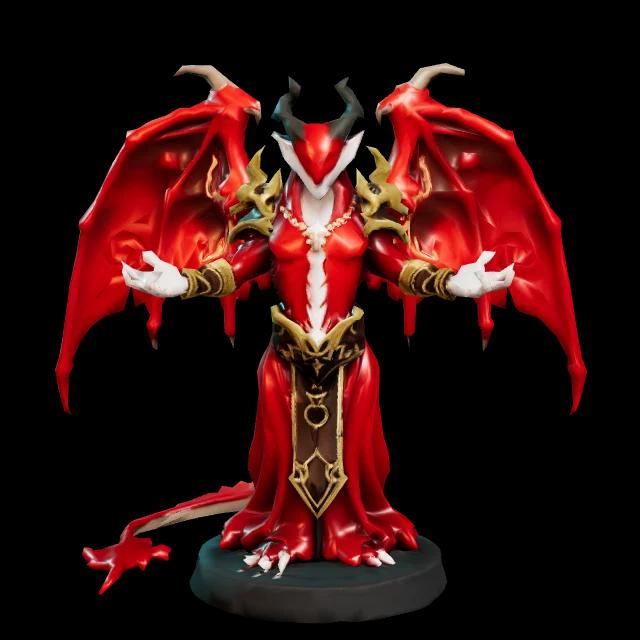 Front
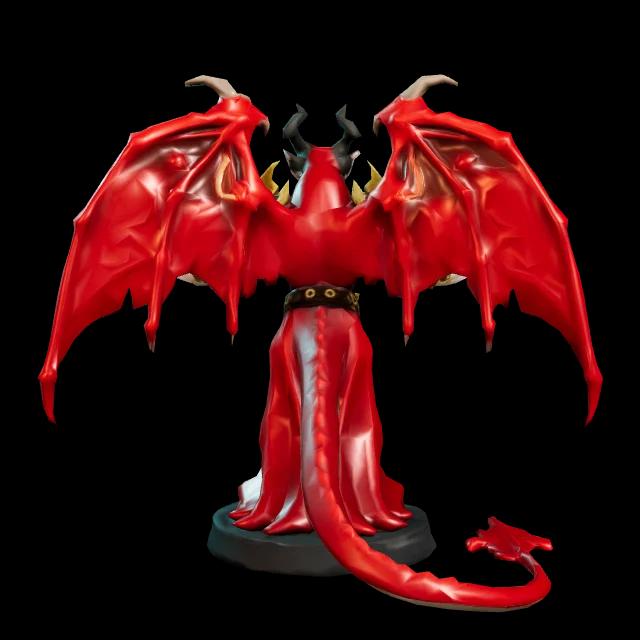 Back?Inferred
- You upload
- One clear picture
- Best for
- Quick ideas, subjects with a plain back
- v3.1 standard textured
- 30 credits
Updated
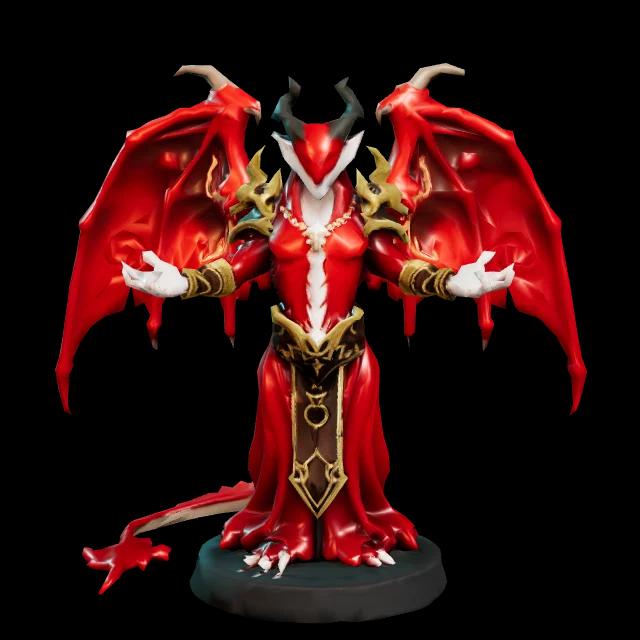
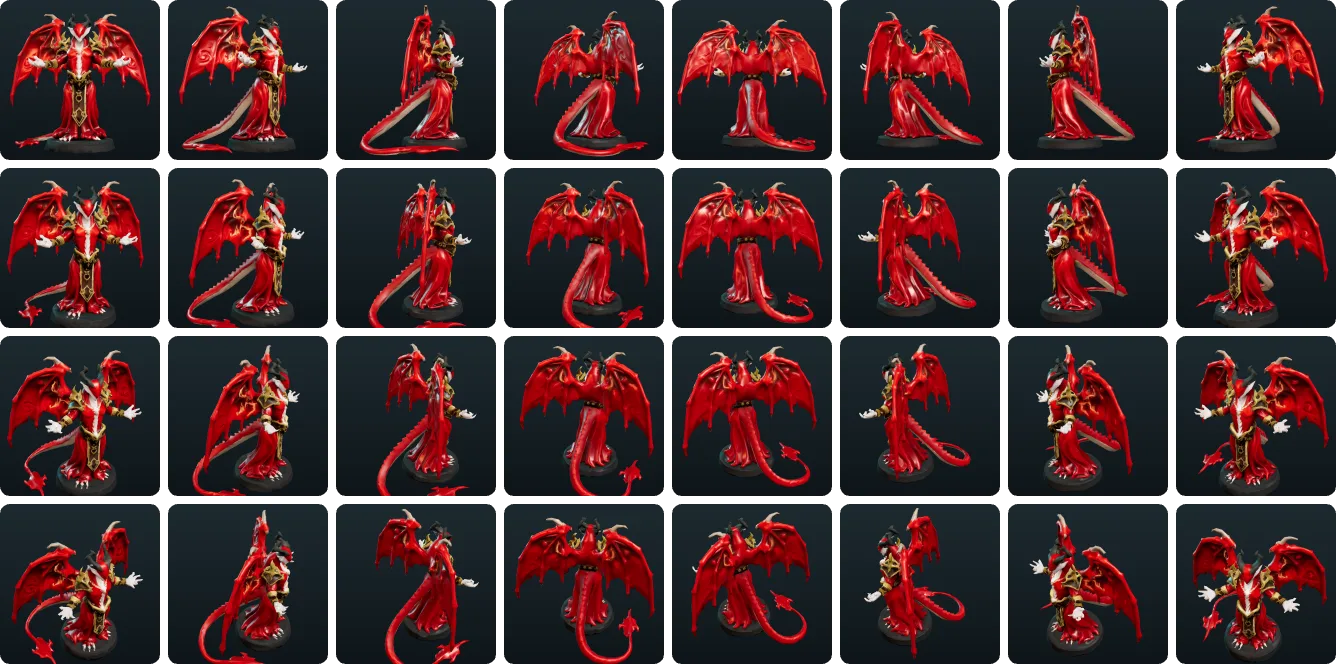
Multi-view to 3D turns 2–4 images of the same subject, a front view plus left, back or right, into one textured 3D model. The back and sides follow your references instead of being guessed from a single picture.
Textured models: v3.0 uses 20 credits; standard v3.1 uses 30. Sign in to upload your views.
Single image or multi-view
One picture works for many subjects. Going from multiple images to a 3D model pays off when the parts you can't see are the parts that matter.
FrontBack?InferredFront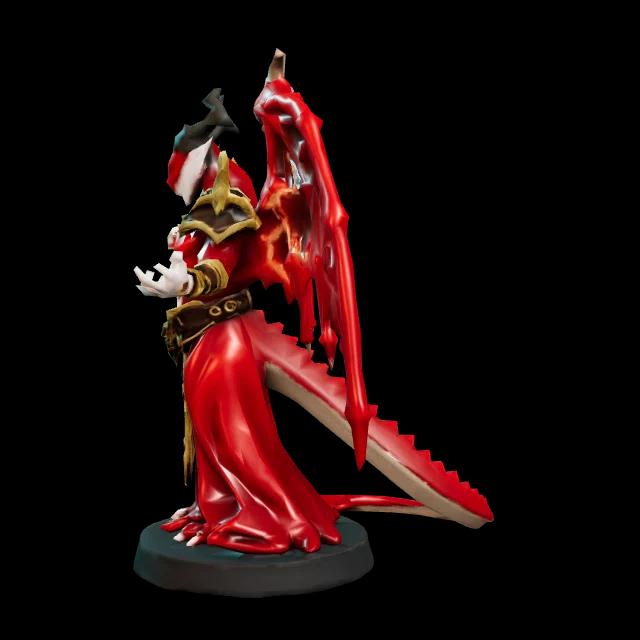 LeftBack
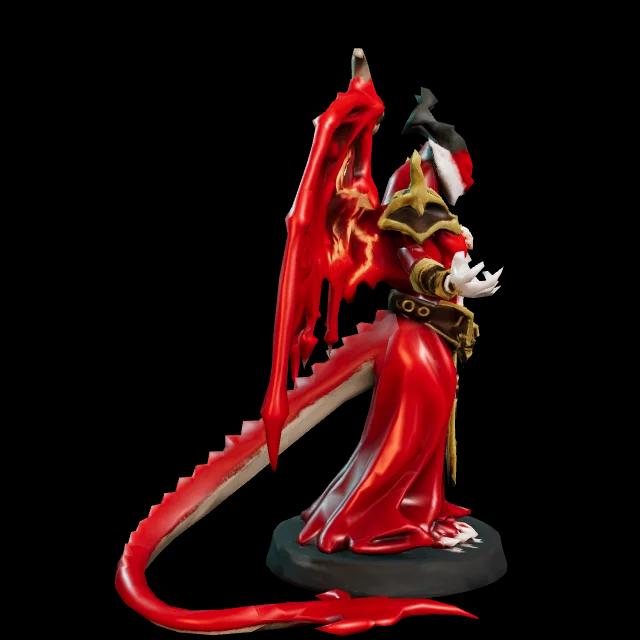 RightBack
The four view slots
Front anchors the model. Every other view fills in a side that one picture can't show.
RequiredIdentity: proportions, face or logo, colours. Use your clearest image.
OptionalDepth: how far a wing, handle or snout sticks out.
OptionalThe side a single picture never sees. Usually the best second view.
OptionalAdd it when the sides differ, like a tail or strap on one side.
Preparing your views
Every view is merged into one shape. When views disagree, you get doubled features and lumpy sides.
Same distance, height and light, turned in quarter steps
FrontLeftBackRightEvery view disagrees with the others
 Front
Shot from above
LeftCloser than the rest
 Back
Hard side light
RightFlipped copy of Left
No raised arm or opened lid between shots.
About 90° apart, same distance and zoom.
Shoot every view from about mid-height.
Hard shadows read as shape or bake into the texture.
Move props away from the outline.
At least 256 px; 1,024 px keeps fine detail.
Don't flip one side photo to fake the other side.
Crop a turnaround sheet into separate images.
How it works
The same generator as single-image 3D, with one slot per angle.
Our button opens the generator with multi-view selected. Sign in to upload.
Front first, then any of Left, Back or Right.
The Generate button updates the credit total as you change options.
Compare the back and sides with your views, then download.
What it costs
v3.0 textured generation uses 20 credits. The v3.1 prices below apply to standard settings; the generator shows the exact total before you start.
v3.1 textured model
2K texture with PBR
30credits
Geometry only: 20 credits
+10
4K texture
+20
8K texture
+20
Ultra geometry
+5
Quad topology
Included
GLB download
10 per export
FBX, OBJ, STL, USDZ, 3MF or GLTF
Credits come with plans and credit packs. See pricing
Multi-view AI vs photogrammetry
Photogrammetry measures a real object. Multi-view AI builds a model from a handful of angles, even from drawings.
| Multi-view AI vs photogrammetry | Multi-view AI | Photogrammetry |
|---|---|---|
| How it works | AI infers the full shape from a few angles | Matches features across photos and triangulates real points |
| Dimensions | Proportions follow your views; sizes are approximate | Measurable with a scale reference |
| Tricky subjects | Fine with shiny, plain or drawn subjects | Struggles with shiny, transparent or featureless surfaces |
| Best for | Characters, concept art, products, collectibles | Real objects and places you can walk around |
Is it the right tool?
Extra views pay off when the hidden sides matter. Here is where the method works and where another approach is better.
FAQ
Views, file preparation, cost and exports.
Credit costs on this page are read from the same price table the generator charges with, so they can't drift from what you pay. View limits (two to four images, front plus left, back or right) match the generator's upload slots.
Added when multi-view to 3D fits and when it doesn't, and this change log.
First published: view-by-view preparation, credit costs and the photogrammetry comparison.
Fill the slots and see the credit total before you generate.
Only have one picture? Use single-image to 3D